Chapter 2 · 2.3
Making the Dashboard your own
Watch it in a short video
The Dashboard is the first thing you see after logging in. It's made up of blocks, called widgets. Each widget shows something from an app: your next appointments, your latest messages, tasks that are coming up. You choose which widgets you want to see.
Choosing widgets
- Go to the Dashboard: click the first icon in the blue bar, or the WebOké logo.
- Click Customise at the bottom.
- The Edit widgets window opens. Tick what you want to see and untick what you don't need.
- Close the window with the cross. Your choice is saved straight away.

Which widgets are available?
| Widget | What you see |
|---|---|
| Status and Weather | At the top, under the greeting: your own status and the weather in a location you choose |
| Upcoming events | Your next appointments from Calendar |
| Upcoming tasks | Tasks with a deadline from the Tasks app |
| Recent activity | What's happened with your files and shared folders |
| Favourite files | The files you've starred |
| Important mail and Unread mail | Mails from the Mail app (if you've added a mailbox there) |
| Notes | Your latest notes |
| Upcoming cards, Cards due today or tomorrow | Cards from Deck with a due date |
| On this day | Photos from the same day in previous years |
| Teams and Recent statuses | Your teams and your colleagues' status |
| Talk mentions (with Office) | Conversations where you've been mentioned |
| Recent pages (with Office) | Pages from Collectives |
| Reports (with Office) | Charts from Analytics |
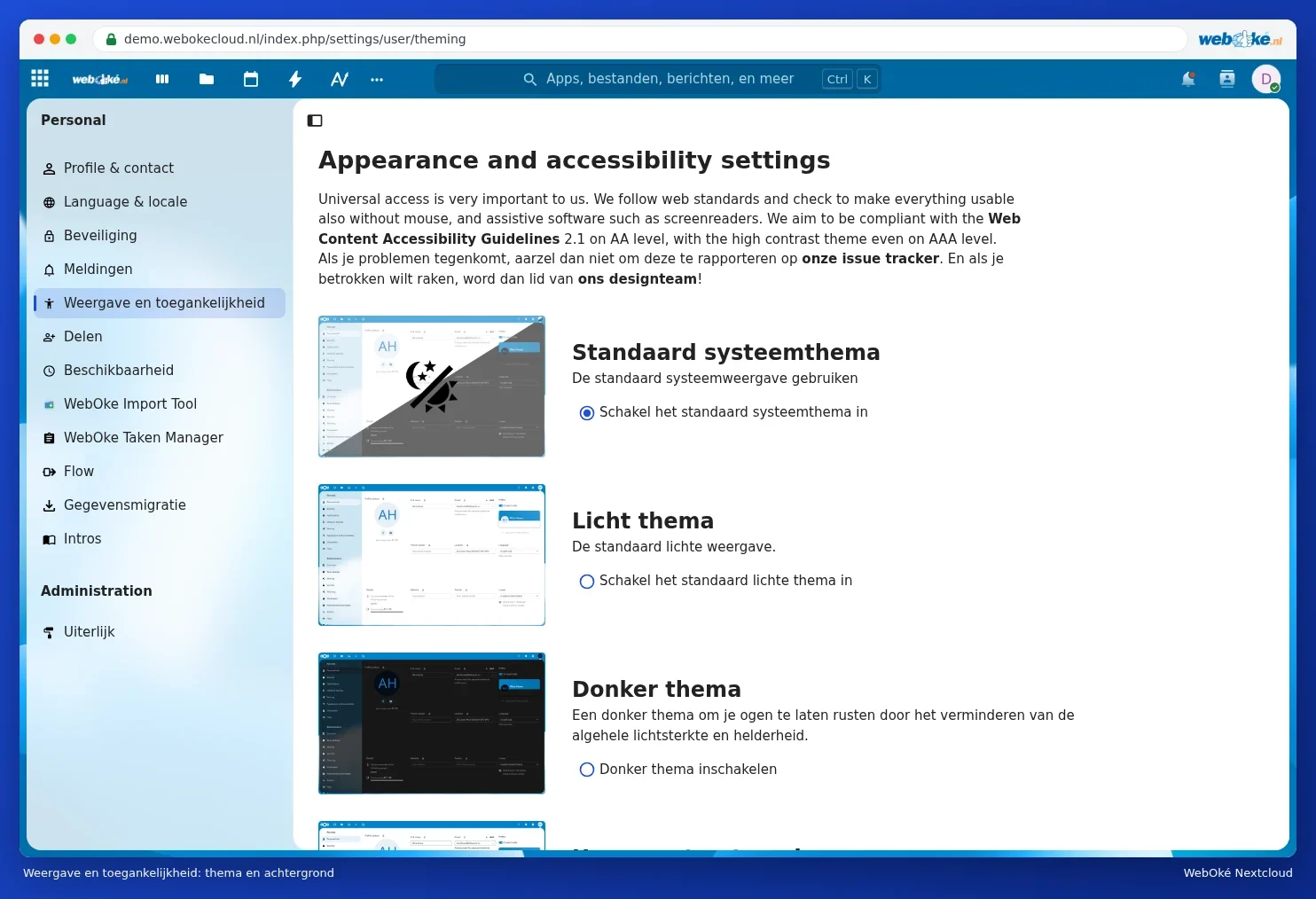
Theme and background
Do you find the screen too light or too dark? Click your profile picture and choose Appearance and accessibility. There you can choose, among other things:
- Match system: follows the setting on your computer or phone (light during the day, dark if your device is set to dark).
- Light theme or Dark theme.
- High contrast themes and a font that's easier to read if you have dyslexia. Scroll down for these.
- Further down, you can also choose a different background.